UK sole trader invoices: fields, templates and how to get paid faster

A compliant sole trader invoice needs a unique invoice number, your legal name and address, the client’s name and address, an invoice date, the supply date, a clear description of the work, the amounts charged, the total due, and VAT details if you’re registered. Issue the invoice as soon as the work is done, save a digital copy, and keep your numbering sequential. Templates and VAT-specific examples follow below.
TL;DR:
- Invoices must contain a unique, sequential number, your contact details, client address, clear description of work, and the dates of supply and invoice issuance.
- VAT-registered sole traders need to add their VAT registration number, applied rates, VAT subtotal, and total including VAT on all invoices, with separate VAT lines.
- Keep detailed records of all invoices and supporting documents for at least five years, ensuring digital storage to avoid errors and facilitate audits.
- Use clear, specific payment terms with due dates, include complete bank details, send invoices immediately after work completion, and follow up promptly for faster payments.
- When billing internationally, confirm agreed currencies beforehand, include IBAN and BIC codes, and research cross-border VAT rules for services to avoid compliance issues.
Table of Contents
- Sole trader invoices: the HMRC checklist
- VAT invoices: when they’re required and what changes
- Invoice numbering, dates and how long to keep records
- Payment terms that actually get you paid faster
- Templates and examples for VAT and non-VAT invoices
- Sending invoices and billing clients abroad
- Making Tax Digital: what this means for your invoices
- A sole trader’s view: the checklist and the traps
- Let Ledgery handle the paperwork behind every invoice
- Where to check the rules and find more templates
- Sources
Sole trader invoices: the HMRC checklist
Every invoice you send needs to carry a fixed set of details, and missing even one can slow down payment or cause problems if HMRC ever asks to see your records. Gov clearly, and they apply whether you’re a plumber, a copywriter, or a landscape gardener working under your own name.
Here’s what has to be on there:
- A unique invoice number that isn’t reused anywhere else in your records
- Your name (or trading name) and contact details
- The client’s name and address
- A clear description of what you supplied
- The date of supply and the invoice date
- The amount charged for each item or service
- The total amount owed
If you trade under a business name rather than your own, you must also provide an address where legal documents can be delivered. A home address works for this. If privacy is a concern, a virtual business address is a legitimate alternative.
Beyond the legal minimum, a PO number or client reference speeds things along. It ties your invoice straight to their purchase order system, which means fewer emails asking “what’s this for?” and faster sign off from whoever approves payments on their end.
VAT invoices: when they’re required and what changes
You must register for VAT once your taxable turnover passes the threshold set by HMRC, and from that point every invoice needs extra detail. Check the current threshold directly on GOV.UK, since it’s reviewed periodically and getting it wrong has consequences.
Once registered, a VAT invoice needs everything a standard invoice needs, plus:
- Your VAT registration number
- The VAT rate applied to each line item (such as 20%, 5%, or 0%)
- The total VAT amount
- The total including VAT
- The tax point (usually the date of supply, though this can differ from the invoice date)
For low-value sales, typically under £250, you can use a simplified VAT invoice that skips some of the itemised breakdown but still needs the VAT rate and total shown clearly. Whichever format you use, keep VAT figures visually separate from the net amount. Clients querying a bill almost always start by checking whether the VAT adds up.
Invoice numbering, dates and how long to keep records
Numbers must be unique and sequential, never reused, even if an invoice gets cancelled or replaced. HMRC’s own guidance on VAT record keeping confirms this, and recommends automated systems specifically because manual numbering is where duplication errors creep in.
A format like INV-2026-0001 works well. It’s sortable, readable, and leaves no ambiguity about which invoice came first.
- Invoice date: when you raise the document
- Supply date: when the work or goods were actually delivered
- These can differ. A job finished on 28 January but invoiced on 3 February needs both dates shown
Pro Tip: Keep your numbering software-generated rather than typed manually. It’s the single easiest way to avoid the “did I already use INV-0047?” problem that trips up sole traders during a VAT inspection.
Retain invoices and supporting records for at least five years after the 31 January submission deadline of the relevant tax year if you’re VAT-registered, and broadly the same period for standard Self Assessment records. Digital storage makes this far less painful than a shoebox of receipts.
Payment terms that actually get you paid faster
The terms you choose shape how quickly money lands in your account, and vague terms almost always mean slower payment.
- Pick a term and state it clearly. Due on receipt works well for smaller jobs; Net 7 or Net 14 suits ongoing client relationships; Net 30 is standard for larger corporate clients but ties up your cash longest.
- Include full payment details. Sort code and account number for BACS transfers; IBAN and BIC if you’re billing an overseas client in euros or another currency.
- Invoice the moment the work finishes. Delayed invoicing is the single most common reason sole traders wait weeks for money that should have arrived days ago.
- Itemise the work. A single vague line like “services rendered” invites questions. A breakdown by task or day rarely does.
- Make the due date impossible to miss. State it near the total, not buried in small print at the bottom.
- Send a short, polite reminder a few days before the due date, and follow up promptly if payment slips past it, noting your right to claim interest under UK late-payment rules.
Pro Tip: Put your bank details at the bottom of the invoice, directly under the total due, not on a separate page or in a follow-up email. Clients pay fastest when the numbers they need are right in front of them.
Templates and examples for VAT and non-VAT invoices
A non-VAT invoice needs a clean, top-to-bottom structure: your name and address at the top, the client’s details beneath, then the invoice number and both dates in a clear header block. Below that, an itemised table of charges, a total, and your payment terms and bank details at the foot of the page.
A VAT invoice follows the same shape with three additions:
- Your VAT registration number, shown near your business details
- A VAT column alongside each line item, showing the rate applied
- A VAT subtotal and grand total including VAT, clearly separated from the net figure
For branding, a simple logo and consistent colour scheme in the header look professional without cluttering the document, and Sage’s guidance on invoice layout backs this up as a factor in how quickly clients approve payment.
Name your saved files consistently, something like Client_InvoiceNumber_Date, so you can find any invoice in seconds if HMRC or your accountant asks for it. Save both templates once you’ve built them and reuse the structure for every job.
Sending invoices and billing clients abroad
PDF is the standard format for emailed invoices; it can’t be edited accidentally and opens identically on every device. Keep the email body short: reference the job, state the amount and due date, and attach the invoice rather than pasting it into the message.
For international clients:
- Agree the currency before you start the work, not after you’ve invoiced
- Include your IBAN and BIC alongside standard UK bank details if you expect payments in euros or other currencies
- Decide upfront who absorbs currency conversion fees, since banks rarely apply favourable rates automatically
Cross-border VAT rules get complicated fast, particularly for B2C digital services. For anything beyond a straightforward one-off invoice, check HMRC’s guidance directly before you bill.
Making Tax Digital: what this means for your invoices
Making Tax Digital for Income Tax is being phased in for sole traders above set income thresholds, and it changes how your invoice records need to be kept. Digital records aren’t optional once you’re in scope, and invoices form a core part of the quarterly updates you’ll submit.
- Tag each invoice by the tax quarter it falls into as you issue it, rather than sorting retrospectively
- Keep supporting receipts alongside invoices so income and expenses reconcile cleanly
- Use consistently formatted digital invoices, ideally through MTD-compatible software, so exporting records for Self Assessment takes minutes rather than an evening
Getting this habit right now, before your MTD deadline arrives, saves a genuinely stressful scramble later.
A sole trader’s view: the checklist and the traps
Before sending any invoice, run through this fast: identity correct, number sequential, both dates present, VAT added if registered, bank details visible, copy saved. That’s it. Miss one and you’re chasing yourself as much as the client.
The traps I see most often are vague descriptions (“consulting work”), missing bank details buried on page two, numbering that skips or repeats after a cancelled invoice, and sole traders who simply don’t keep a copy anywhere searchable. None of these are complicated mistakes. They’re just the ones that happen when you’re rushing to get an invoice out the door. Automation, the kind Ledgery builds around receipt scanning and quarterly updates, removes most of that repetitive friction before it becomes a habit worth breaking.
— Jason
Let Ledgery handle the paperwork behind every invoice
Ledgery is the practical alternative to manually chasing invoice numbers, VAT lines, and quarterly deadlines in a spreadsheet. Instead of building templates from scratch and tracking receipts by hand, you photograph a receipt and Ledgery organises it straight into your quarterly HMRC updates.
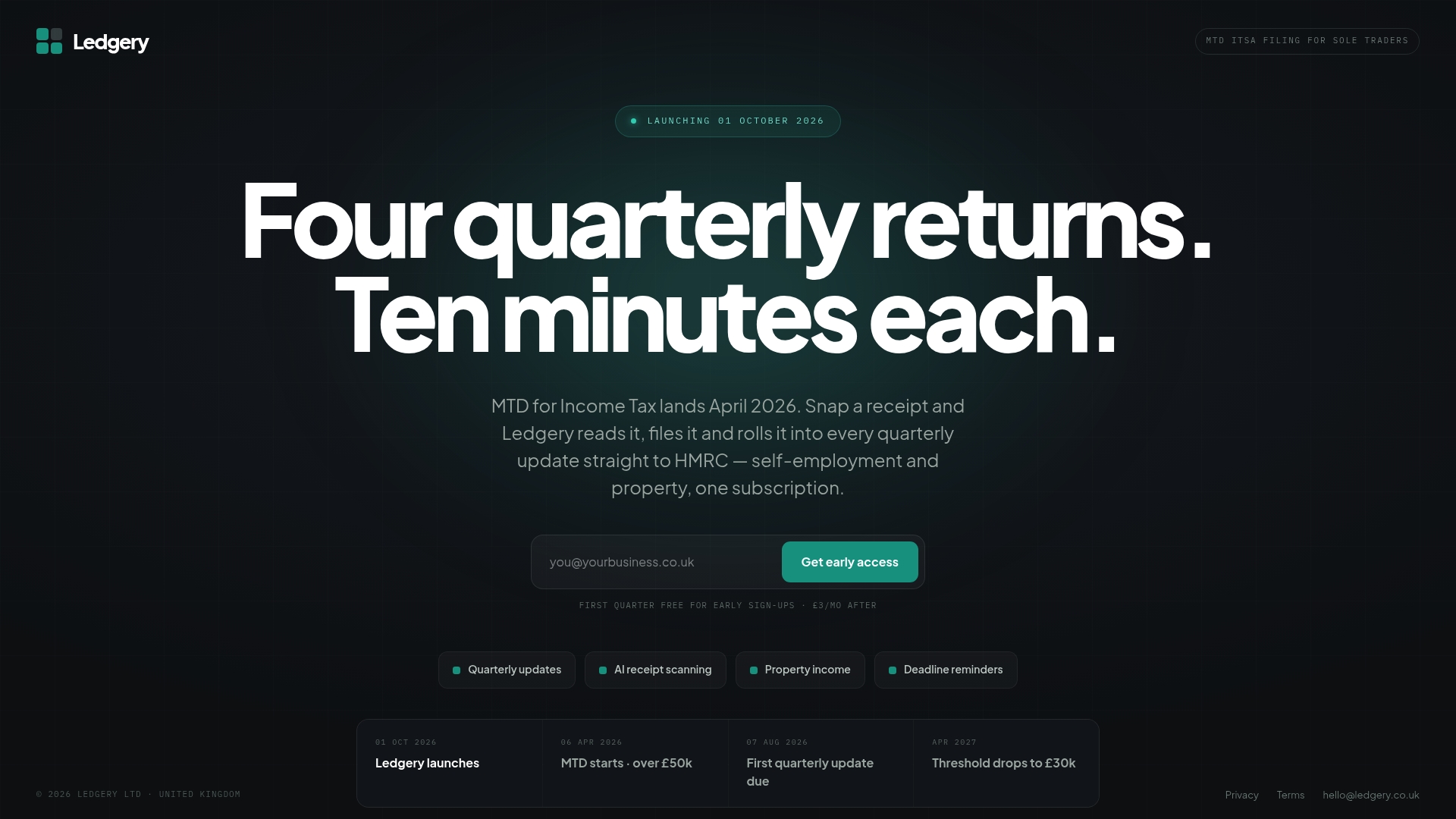
Ledgery combines receipt scanning, automated quarterly update generation, invoice creation, and deadline alerts in one place, built specifically for UK sole traders and property owners preparing for Making Tax Digital. If you’re earning above £50,000 and facing more frequent reporting, the deadline alerts alone save the kind of last-minute scramble that costs an evening every quarter. The first quarter is free, so you can see whether it fits your workflow before paying anything. Try Ledgery and see your next quarterly update take shape from the receipts already sitting in your pocket.
Where to check the rules and find more templates
For the legal detail behind every point in this guide, GOV.UK’s invoice requirements page is the definitive source, alongside HMRC’s numbering guidance for anyone unsure about sequencing. ByteStart’s template guide has downloadable VAT and non-VAT layouts ready to copy. If a client is late paying, the Small Business Commissioner’s guidance and this guide to recovering unpaid invoices cover your rights and next steps. For MTD specifics, see Ledgery’s post on invoice requirements for UK small businesses.
This article is general information, not a substitute for advice from a qualified financial advisor. Consult a qualified financial professional about your own circumstances before acting on anything here.
Sources
- Gov
- How to invoice as a sole trader – with VAT and non-VAT templates (ByteStart)
- How to write an invoice and what to include | Sage Advice UK
Recommended
Self-employment and property income in one subscription, first quarter free. Join the early access list and we’ll email you once, when it opens.
Join early access